Remember the thread
Return to a conversation, a project or a question you wanted to ask. The details you chose to save give the next conversation a starting point.
A personal assistant for life with dementia
Your plans, your conversations, the things you meant to do. A personal AI assistant that helps you pick up the thread and carry on with your day.
Request a free introductionSee a moment with Co-PilotAn introduction, at your pace. No payment or commitment.

Your assistant. Your say.
You choose what to remember, what to connect, and who to involve. Family access is a choice you make.
A moment with Co-Pilot
Pick up a project, make time for breakfast, get the shopping ready. Your assistant can respond when you ask, and prompt you at the times you choose.
Interactive product illustration. No accounts connected, no calls or actions carried out.
Where did I leave off with David’s proposal?
The pricing section is still open. You wanted to send the proposal to David on Thursday.
From the project notes and deadline you saved
The details behind the day
Return to a conversation, a project or a question you wanted to ask. The details you chose to save give the next conversation a starting point.
Meal and drink reminders at times you choose. Appointments, birthdays and practical checklists alongside the things you enjoy.
Keep a grocery list, prepare a supermarket order or gather the details for an appointment. Check and approve anything that creates a commitment.
Ask in ordinary words, hear an answer, and ask again. Use your own calendar, contacts and photos where the supported connections and permissions allow.
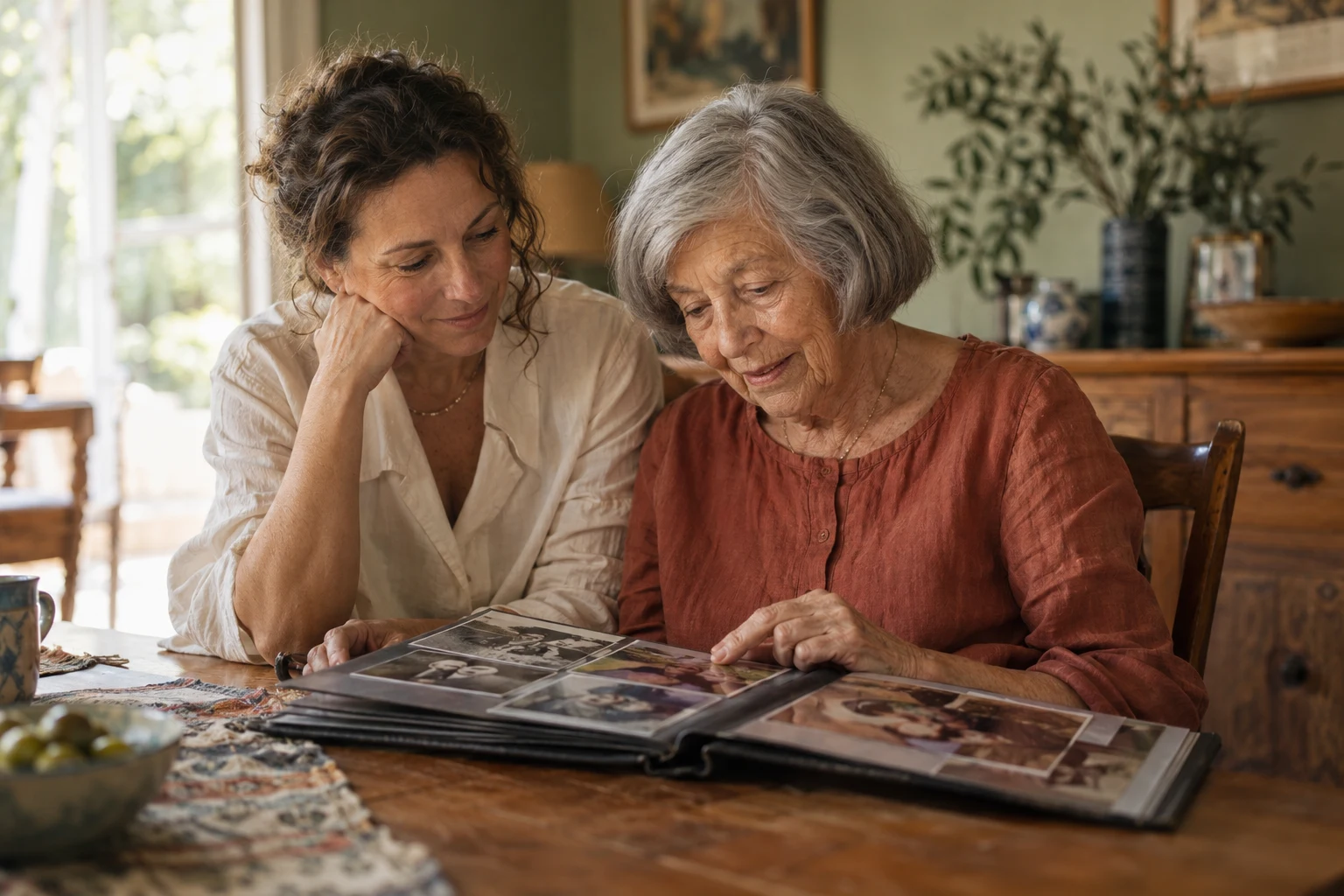
For Sarah. And the people she loves.
As memory changes, the help someone needs can change too. For Sarah, that might mean seeing who is visiting, hearing a familiar voice, or having the next part of the day explained again, patiently.
Try Sarah’s example →Choose the help that fits Sarah’s routine, and adjust it with her as her needs change.
Day, date, time, the next visit and what is happening now, on a clear TV or tablet display. Spoken reminders can repeat the plan without requiring Sarah to navigate a calendar.
Breakfast, a drink, getting a bag ready, or leaving for an appointment. A chosen routine can be broken into small steps. Medication reminders follow the agreed plan; the assistant does not prescribe or verify that a dose was taken.
A contact’s photo and name, a simple voice request to call, and video on the home screen. Optional automatic answering is limited to approved contacts, agreed hours and the permissions set during setup.
Family photos with names and stories, recorded greetings, favourite music and activities. These are chosen personal materials that family can update remotely.
Missing groceries, a call request or a changed appointment can reach the person chosen to help. Family and carers can coordinate who will respond and record what has been done.
Update visits, reminders, contacts and photos; share access among agreed family members or carers; and change active hours and display preferences without a visit to the house.
A shared place to update visits, add familiar photos, and see requests that need a reply. Set up together, with permissions that respect the person at home.
This is the wider product direction. The first pilot focuses on people with mild dementia who want to direct their own assistant.
Today, at homeTuesday · 15:00
Tea and the family albums.
Yael · Your daughterFamily viewTuesday · 15:00
Example request · Awaiting a reply
Yael · Today at 16:00
One companion, across the setup
The proposed setup brings the assistant, personal information and trusted people together. The device should fit the person using it.
Tuesday · 15:00
Yael is coming at 16:00
Tea and the family albums“Who’s coming today?”
“Yael. She’ll be here at 16:00.”
Try a family update
Move Yael’s visit from four to five and watch Sarah’s screen update.
Today’s visit
Arrival time16:00Choose an update
Interactive setup illustration. No device is connected and no relative is notified.
A compatible TV or tablet shows the day, photos and video calls in large, clear type. The home option includes setup and guidance; supported hardware will be confirmed before purchase.
A microphone and speaker let someone ask for help and hear the answer. The equipment and placement are chosen for the home; camera use and video answering are configured separately.
For Mike, his own app and settings. For Sarah, an agreed family or carer view to update the same schedule, contacts and requests. Access follows the permissions set together.
Start with a conversation
A plan you keep losing track of. An appointment that takes too much organising. Someone you want to stay in touch with. We’ll start there.
Tell us what an ordinary day looks like and what gets in the way.
Walk through an example built around something that matters to you.
Ask about fit, setup, pilot availability and cost. Take time to think.
Questions
We’re arranging introductions for the first pilot in Israel. The site shows the proposed experience; it is not an active assistant or care service. We’ll explain availability, scope and cost before you decide.
Our approach starts with an assistant directed by the person using it. Family access is optional and should be agreed explicitly. We’ll work through the available permissions during setup.
We’re exploring an app on a compatible device and a home screen with setup help. We’ll discuss which option could suit you before asking you to choose.
No. Co-Pilot is intended to help with everyday organisation and connection. It does not diagnose, treat dementia, or replace care, clinical advice or emergency services.
You need to be able to correct saved information and check what an answer is based on. These are priorities for the pilot. Actions involving orders, payments or commitments should wait for approval.
A free introduction
Leave your details and we’ll contact you about a free introduction. No medical history needed.
Pilot introductions · Israel
We’ll contact you about an introduction. There’s nothing else to do now.
Illustrative characters and generated photographs.
This form stores your name, email address, optional phone number, audience preference, language and consent to contact. Your details are used to respond to your introduction request and are shared privately with the project team. Do not submit medical information. The site does not activate your camera or microphone and uses no marketing trackers. Hosting may process access data for operation. You can request correction or removal when the team contacts you.
This request is an expression of interest in a free introduction, not a purchase, booked appointment or promise of pilot admission. Availability, pricing and product scope will be provided separately. The interactive examples and characters are illustrative; proposed capabilities are not a live service and no medical outcome is promised.